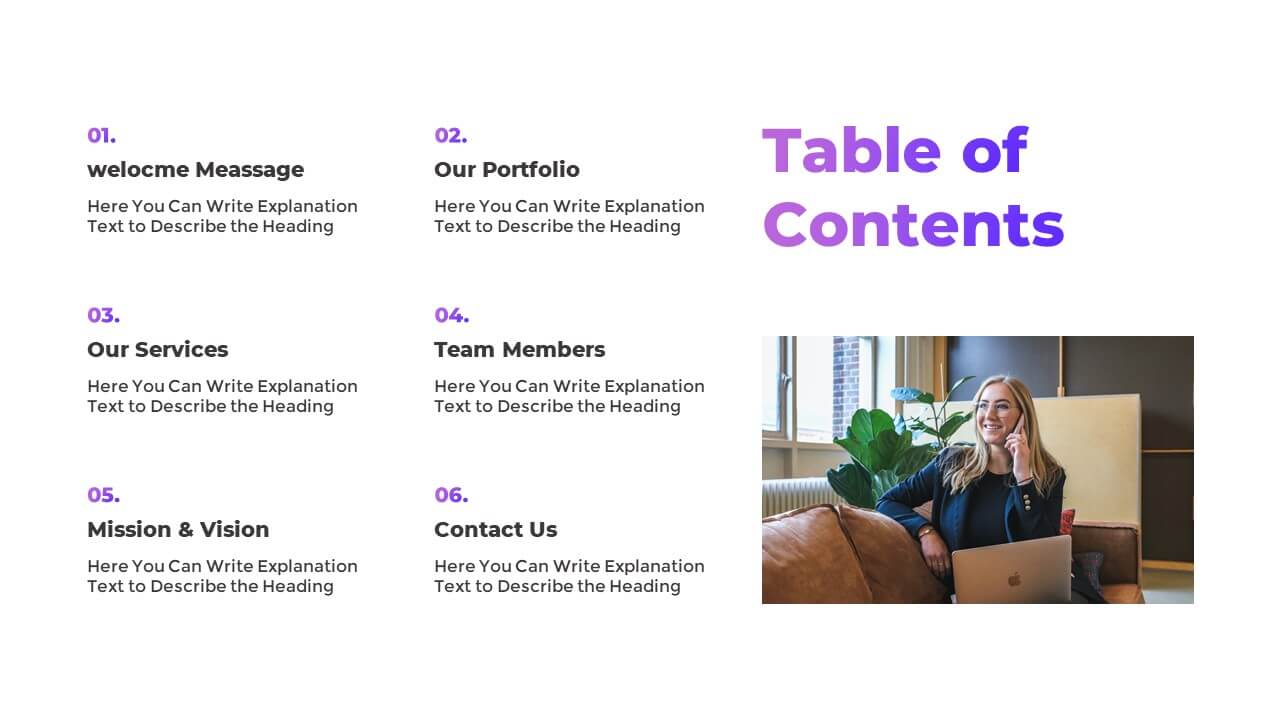
This presentation talking point template helps you introduce key sections of your PowerPoint or Google Slides presentation along with short descriptions and slide numbers. Ideal for corporate pitch decks, business reports, and educational sessions to keep your audience aligned with your content flow.
Presentation Talking Point Template
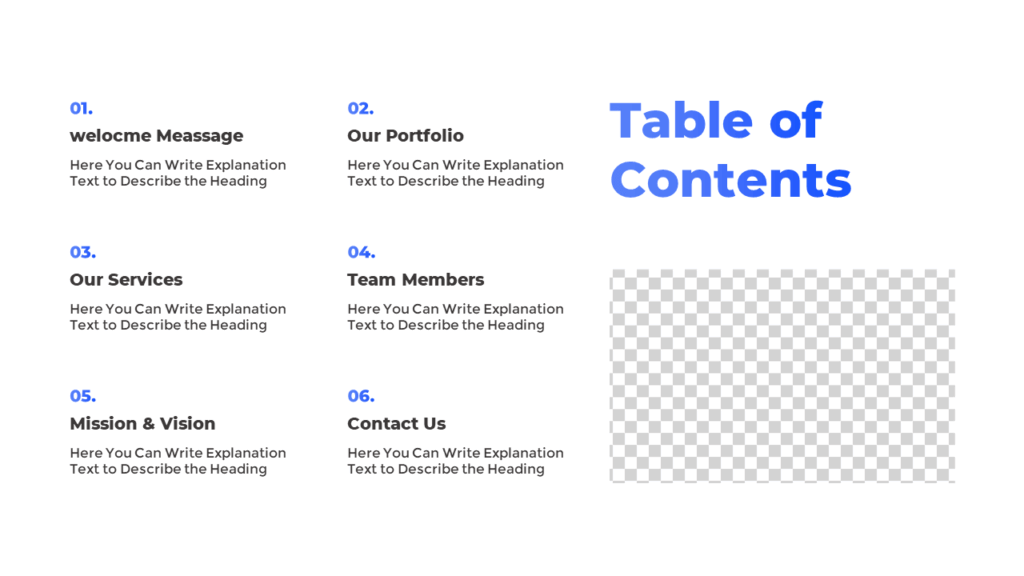
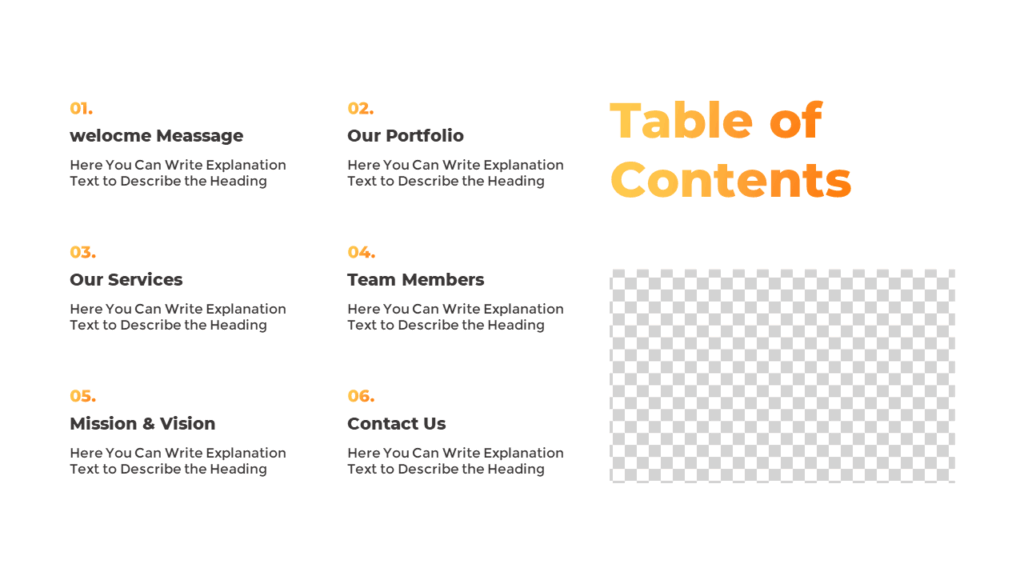
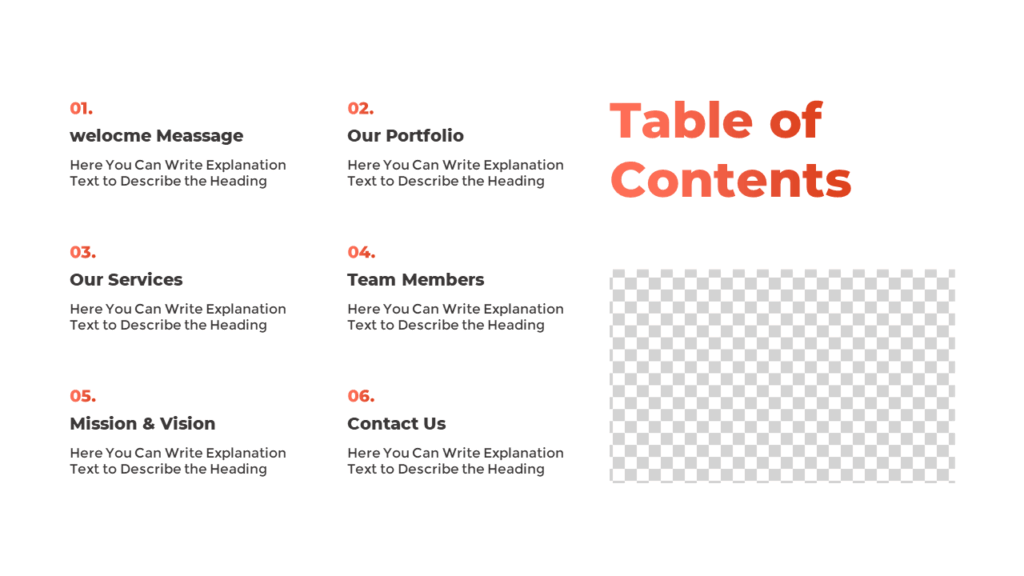
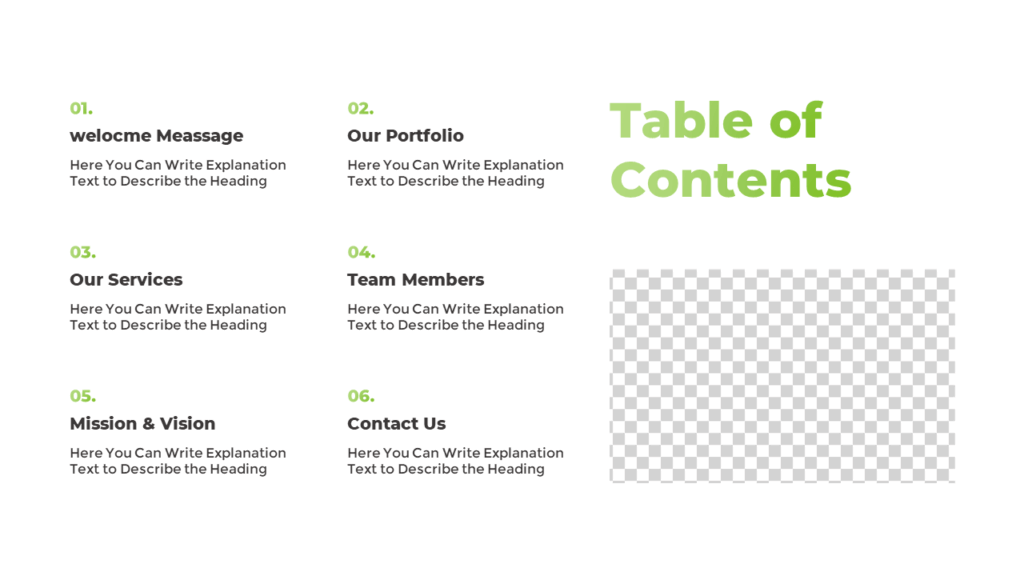
The layout includes six section placeholders, each with a short title, slide number, and space for a brief description. On the right side, there’s an image placeholder where you can add a visual to support your agenda. It’s animated for smooth section reveals and is fully editable in PowerPoint or Google Slides.
Explore the Color Variations:
Download this Free PowerPoint Slide:
Get this presentation talking point template to make your slide flow clearer. Add section names, brief notes, and visuals to guide your audience better. Also, try our other free agenda slide templates for more options.
Watch the Animated Slideshow:
Using this slide, you can present your key talking points visually and clearly. Also, be sure to check out our other free PowerPoint templates for even more design options.
Check Slides from Other Categories:


Premium Member
Unlock exclusive and premium templates of PowerPoint School!
Hi there! We’re Team PowerPoint School. Become our premium member on Patreon and unlock exclusive access to all our premium templates.