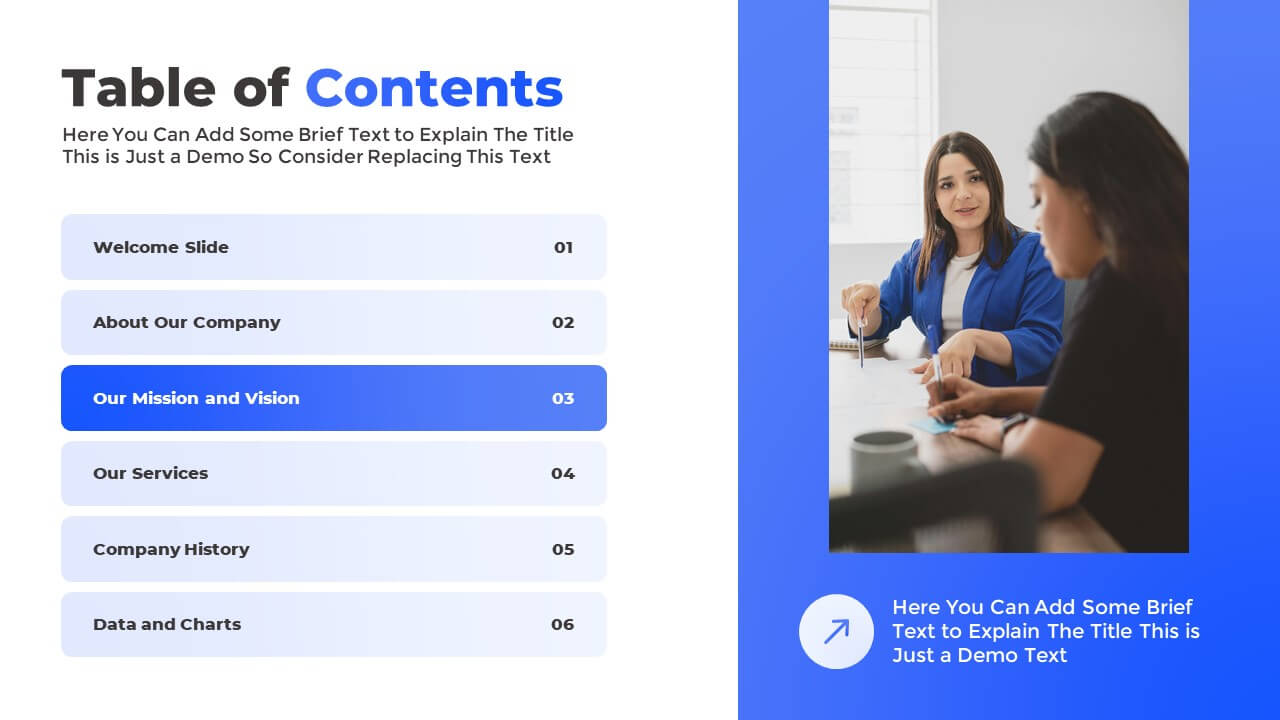
Table of Contents Page in PowerPoint Presentation

Table of Contents Page in PowerPoint for Presentations

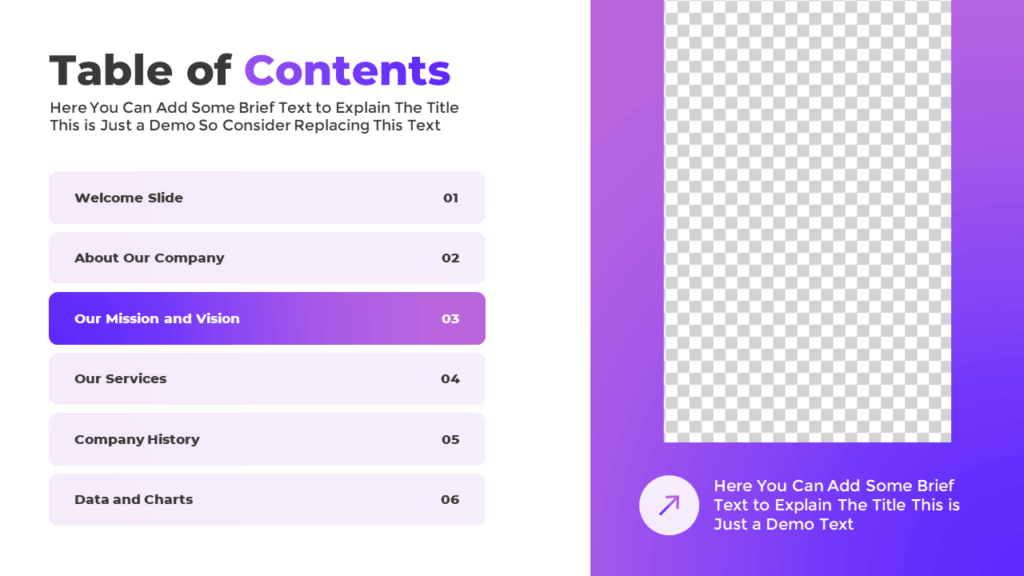
This table of contents page in PowerPoint gives you a professional way to display the main topics of your presentation. Use it in strategic meetings, business reports, or company profiles to let your audience know what to expect throughout the presentation.

About the Contents Page in PowerPoint

The slide includes six numbered text blocks to list key presentation sections. The layout is split into two columns—agenda items on the left and a large image placeholder on the right for visual interest. It includes eye-catching animations that make each section appear smoothly. Fully editable and compatible with Google Slides.

Explore the Available Color Options:
Download this Table of Contents:

Get this contents table template in PowerPoint to clearly organize your presentation structure. Simply add your section names and visuals for a professional touch. Also, try our other table of contents slide.

Watch the Animated Slideshow:

Explore our other free PowerPoint templates to create a better flow for your presentation, company profile, or report.

Free PowerPoint Presentation Table of Contents Slide

You can use the presentation table of contents to list the main sections or topics. It helps your audience easily navigate the presentation

Free Animated Contents Table for PowerPoint and Google Slides Presentation

With the help of this animated table of contents slide, you can organize and showcase your presentation topics inside a PowerPoint slide

Free Google Slides and PowerPoint Contents Page Template

A PowerPoint contents page is a slide that outlines the topics covered in a presentation or report to understand the structure and flow

Free PowerPoint Presentation Contents Slide Template

This contents slide template is designed to present the agenda of your presentation

Free Table of Contents Layout for PowerPoint Presentation

This slide can list up to six key sections of the presentation, and you can modify it to increase or decrease the number as needed

Free Animated Presentation Contents Page for PowerPoint and Google Slides

Try this free animated PowerPoint table of contents page template to highlight the key presentation topics with corresponding slide numbers