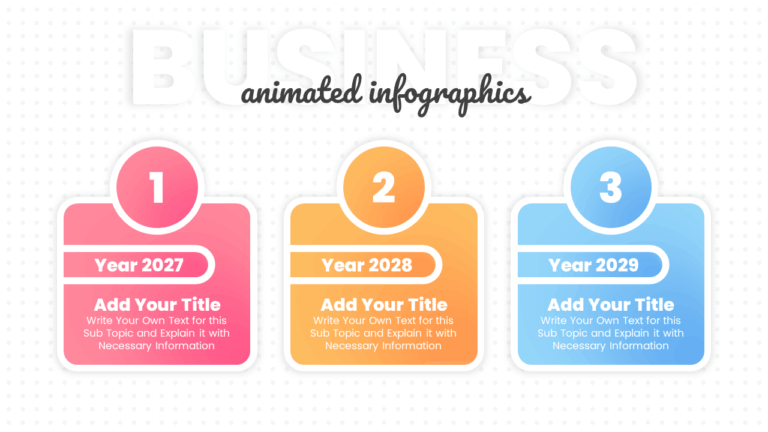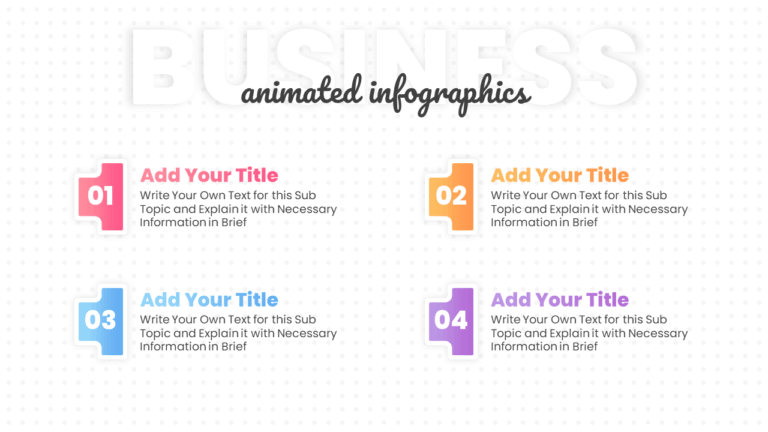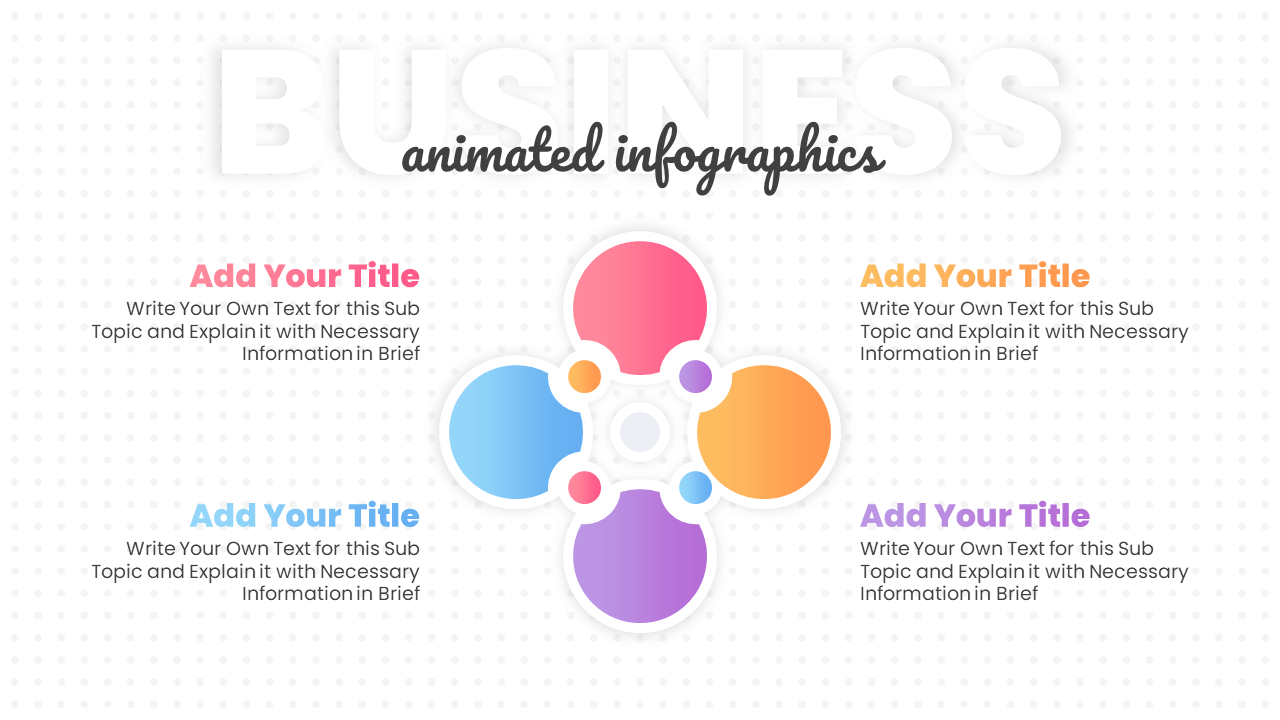
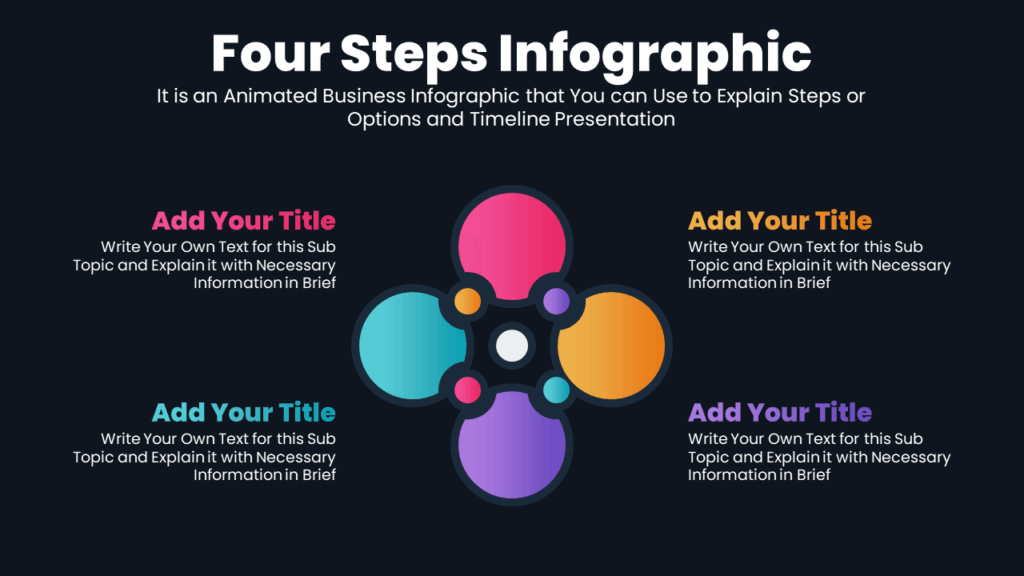
This free infographic circular presentation template is perfect for showing four related ideas around a central concept. One can use it for presenting team roles, product features, or service categories. It helps organize content visually and shows how each part connects.
About this 4-Step Infographic Circular Design
The template features a colorful circular layout divided into four sections, each with a different color. It gives you space to present a main idea and its four connected parts. You can use it to show how different elements work together. Each section has its own animated title and description area. It’s fully editable in PowerPoint and also works with Google Slides.
Color Options for this Infographic Slide:
This infographic template offers 2 different gradient color options that help you save time and keep your audience visually engaged.
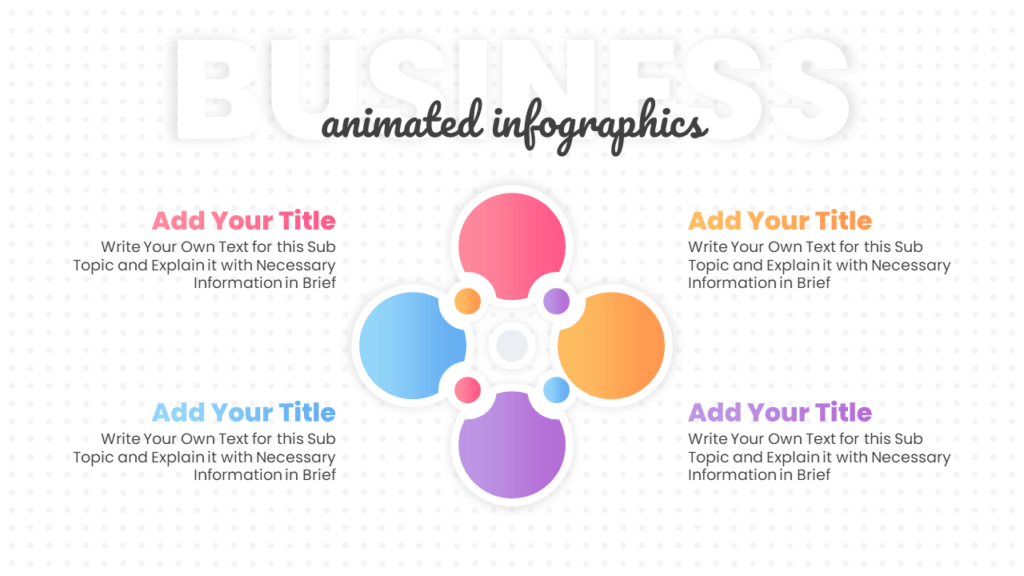
Get this Free Infographic Template:
Download this free circular infographic PowerPoint template to present ideas, processes, or cycles clearly. Use it in business or school projects. Also, explore more creative infographic steps from our collection.
Animated Infographic Slideshow Video:
Watch the video to get a better idea of the design and animated features included in this template.
Premium Member
Unlock exclusive and premium templates of PowerPoint School!
Hi there! We’re Team PowerPoint School. Become our premium member on Patreon and unlock exclusive access to all our premium templates.