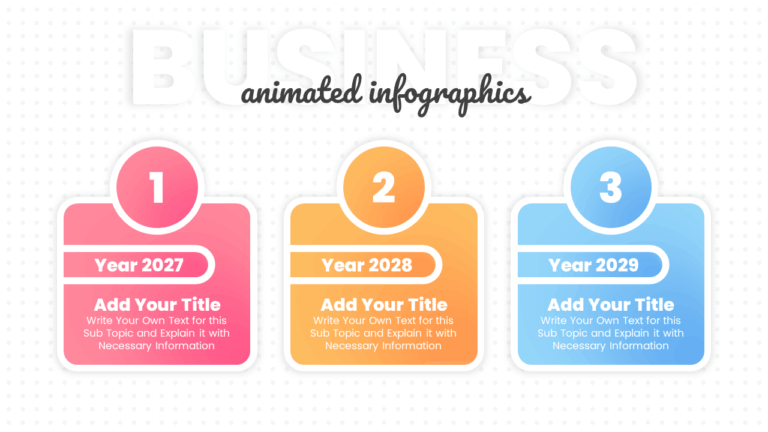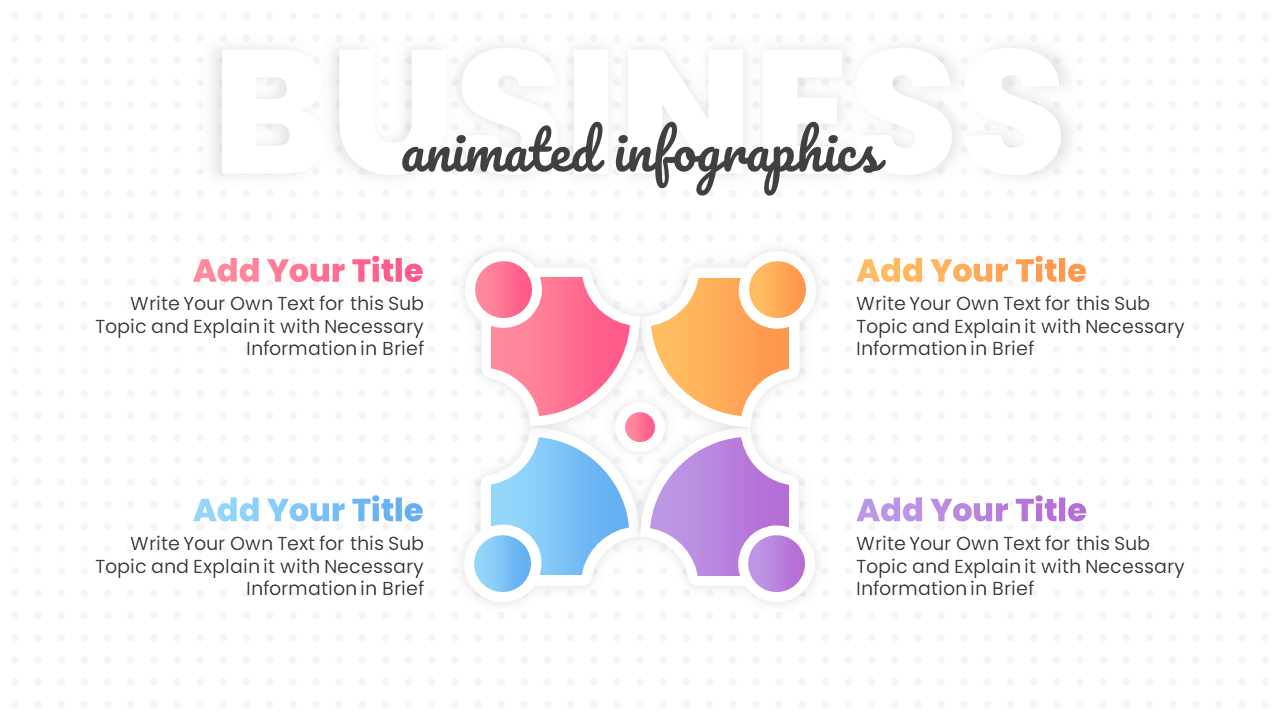
This free 4-step circular arrow PowerPoint template is perfect for showing connected processes. You can use it to explain how different parts contribute to a shared goal. Its unique circular puzzle design makes your presentation stand out and helps people understand how everything fits together.
About this 4-Step Infographic Template
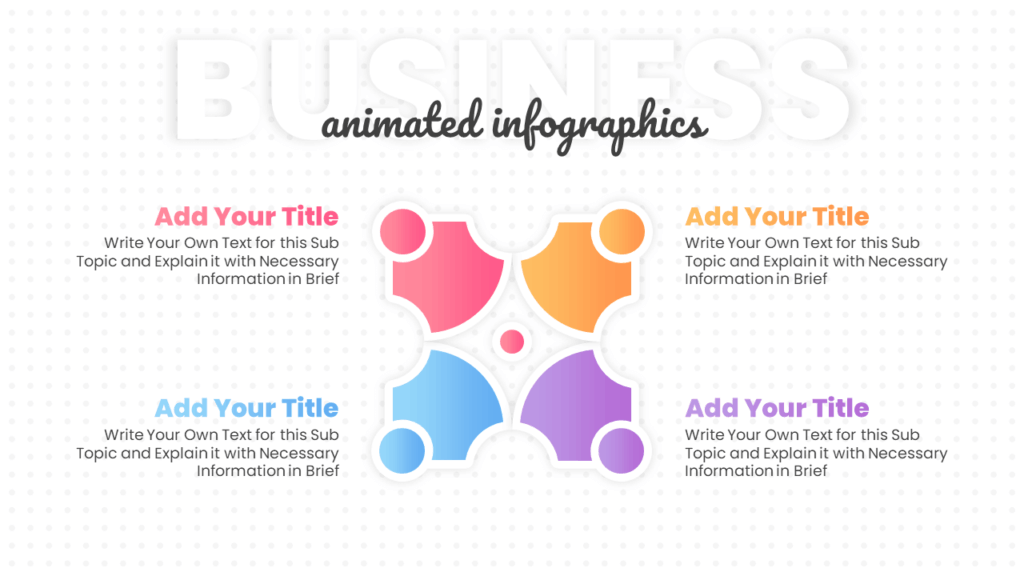
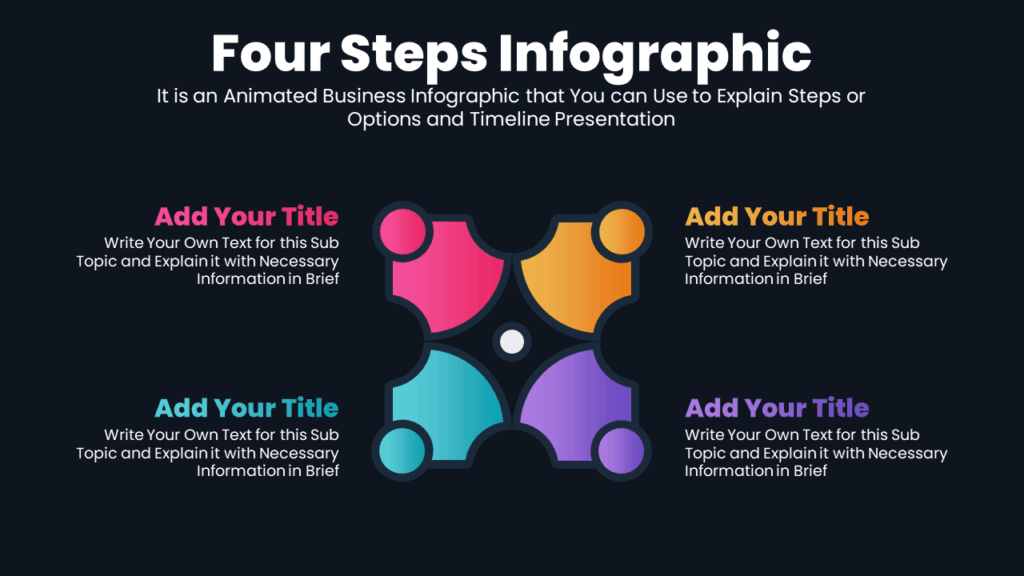
This template features a four-part radial layout, where each curved segment forms part of a central circular shape. The interconnected design resembles puzzle pieces, symbolizing unity and connection. Each section includes space for a title and description, allowing you to explain related features, roles, or steps. The built-in animations ensure smooth content transitions. It’s easy to customize in PowerPoint and fully compatible with Google Slides.
Color Options for this Infographic Slide:
Explore 2 different color options in this template to personalize your slides and impress your audience.
Get this Circular Arrow PowerPoint Slide:
Download this free 4-step infographic template to present or list your ideas, steps, or features. Explore our other free infographic steps as well.
Watch this Animated Slideshow:
The video shows how smooth and clean the animations are in this PowerPoint slide. Please check it out.
Premium Member
Unlock exclusive and premium templates of PowerPoint School!
Hi there! We’re Team PowerPoint School. Become our premium member on Patreon and unlock exclusive access to all our premium templates.